

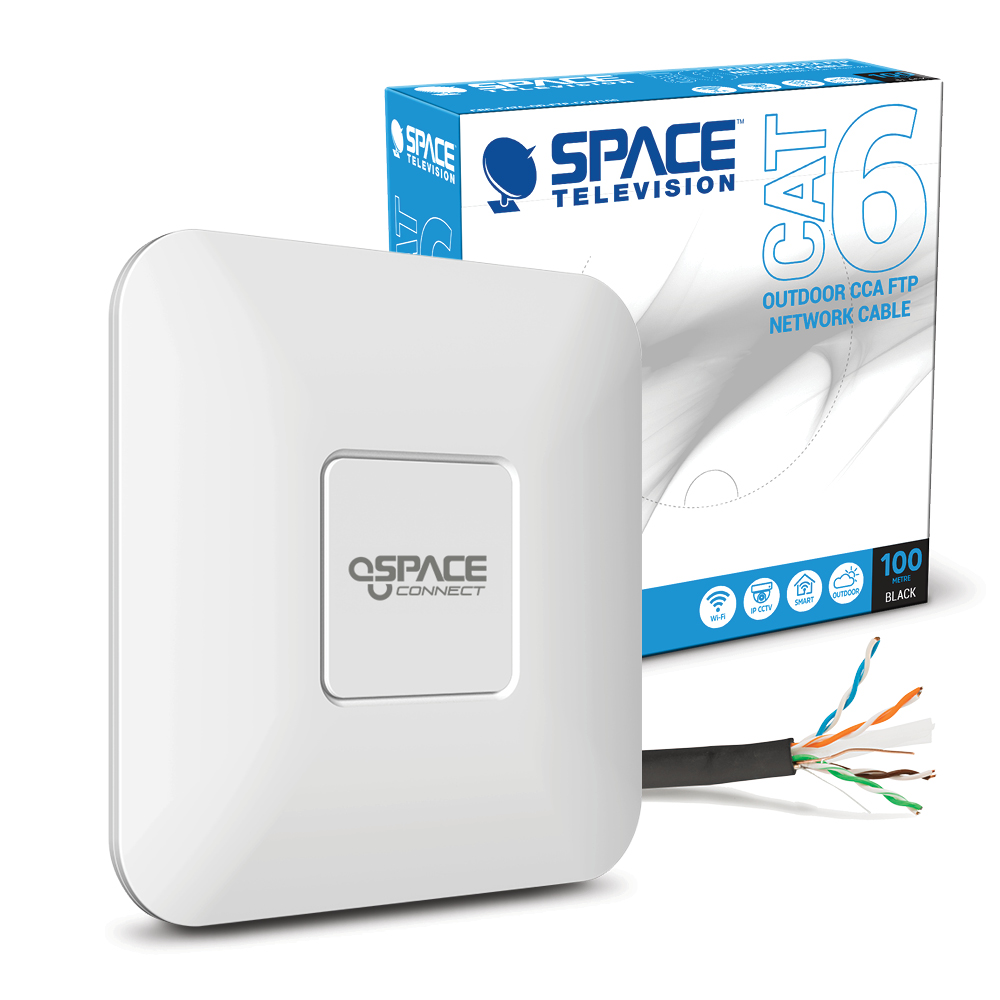


Upgrade your home, office or commercial network with the NETWORK03 Dual Band 1200Mbps Wireless Access Point and 100m CAT6 Cable Bundle. Combining a 1200Mbps dual-band wireless network access point with a 100m outdoor shielded CAT6 S/FTP network cable, this bundle provides a practical solution for extending wireless coverage and creating reliable wired network infrastructure.
Perfect for:
Homes requiring extended WiFi coverage
Offices and commercial network installations
Expanding wireless connectivity into additional areas
Indoor and outdoor network cabling projects
Installers, technicians and DIY networking applications
Connecting network equipment over longer cable runs
Upgrading existing wired and wireless network infrastructure
Features:
• Dual Band Wireless Access Point: Designed to provide flexible wireless network connectivity
• Up to 1200Mbps Wireless Speed: Suitable for everyday high-speed network applications
• Access Point Model SC-WCAP-DB-1200: Convenient solution for expanding wireless network coverage
• 100m CAT6 Network Cable: Generous cable length for larger network installations
• Outdoor Cable Construction: Designed for installations requiring outdoor network cabling
• Shielded S/FTP Cable: Additional shielding helps reduce the impact of electromagnetic interference
• CCA Conductors: Copper-clad aluminium network cable construction
• Black Cable Finish: Discreet and practical for professional installations
• Complete Network Bundle: Combines wireless access equipment and CAT6 cabling in one package
• Cable Model CRG-CAT6-OD-FTP-CCA/100: 100m outdoor shielded CAT6 network LAN cable
Benefits:
• Helps extend wireless network coverage to additional areas
• Dual-band connectivity provides greater flexibility for compatible wireless devices
• 100m cable length allows greater freedom when planning network installations
• Combines wired network infrastructure and wireless expansion in one convenient bundle
• Shielded CAT6 cable is well suited to demanding network installation environments
• Ideal for new installations, network expansions and connectivity upgrades
• Eliminates the need to source the access point and long network cable separately
Usage Tips:
• Position the wireless access point strategically for optimal WiFi coverage
• Connect the access point to compatible network equipment according to its installation instructions
• Plan the full CAT6 cable route before cutting or terminating the cable
• Avoid excessive bending, crushing or tension when installing network cable
• Ensure outdoor connectors and termination points are appropriately protected from environmental exposure
• Professional installation is recommended for complex outdoor or through-wall cable installations


